DialHack: Turning the CMF Buds Pro 2 Dial into a Mac Input Device
Key finding
Measured before building: each click is one volume step, capped at about 3 steps per second; long and triple presses never reach the Mac.
Objective
Turn the small Smart Dial on the CMF Buds Pro 2 charging case, normally just a volume knob, into a general-purpose Mac input device for scrolling, video scrubbing, macros, and a focus timer, and log every turn and press locally to study how I fidget. Before writing the app, I built sniffers to measure what the dial actually sends over Bluetooth, and designed around those measurements.
- Association
- Independent side project; unofficial and not affiliated with Nothing or CMF
- Platform
- macOS 14+ on Apple Silicon, with CMF Buds Pro 2 as the audio output. An Android sniffer is built but not yet tested on a phone
- Privacy
- No network calls; events, labels, and settings stay on the Mac
- Swift
- SwiftUI
- CoreAudio
- MPRemoteCommandCenter
- Python
- DuckDB
- scikit-learn
- Streamlit
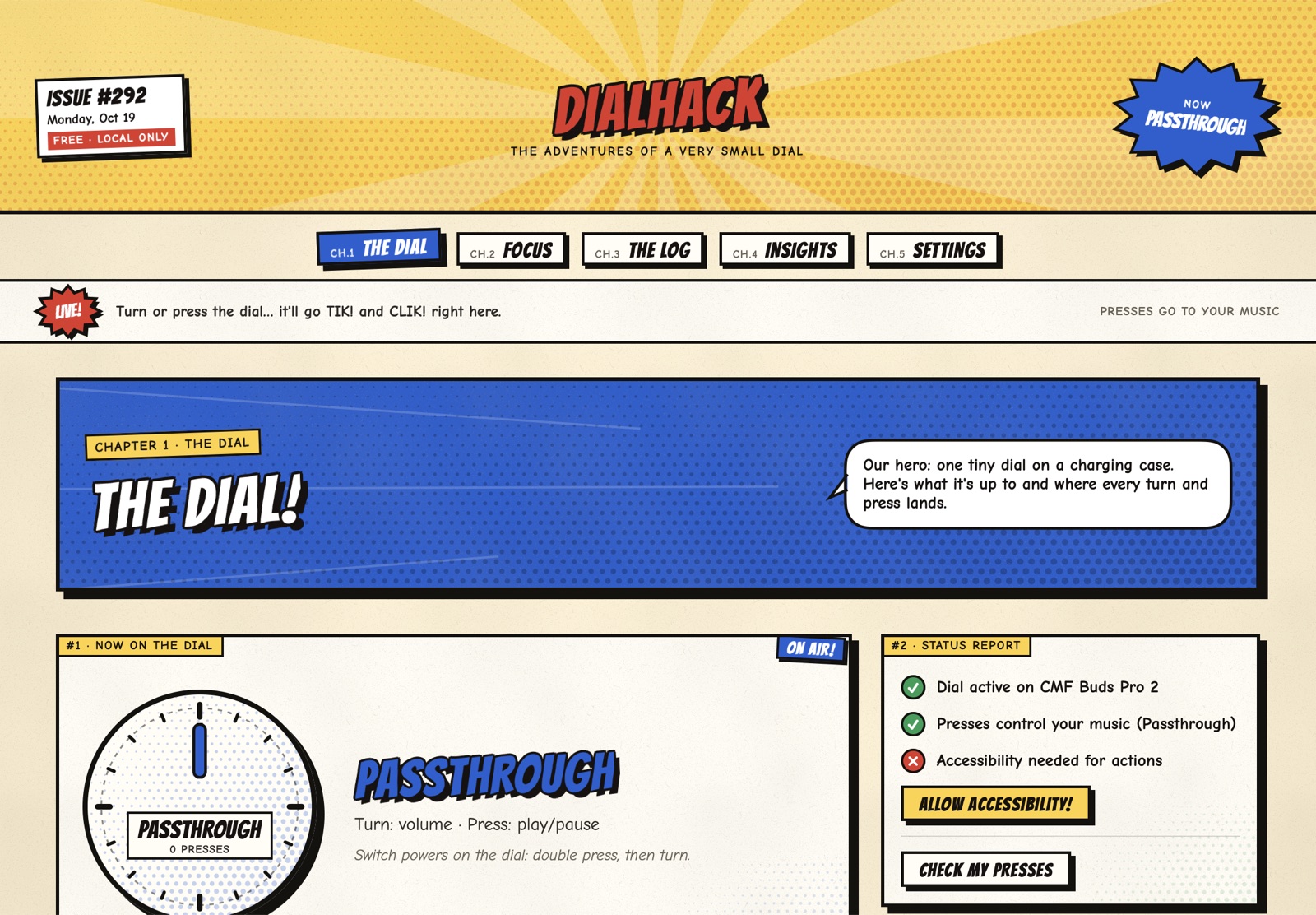
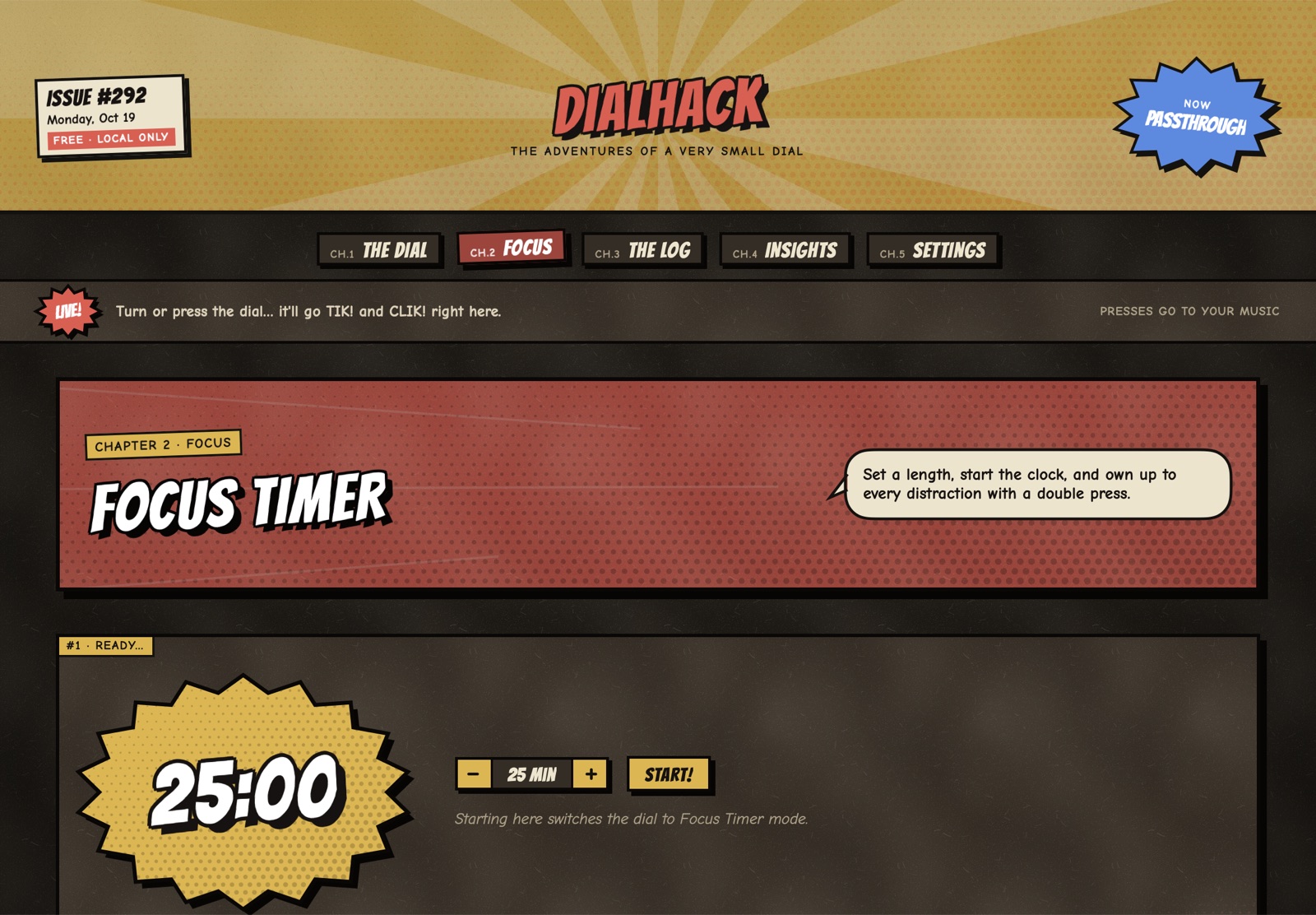
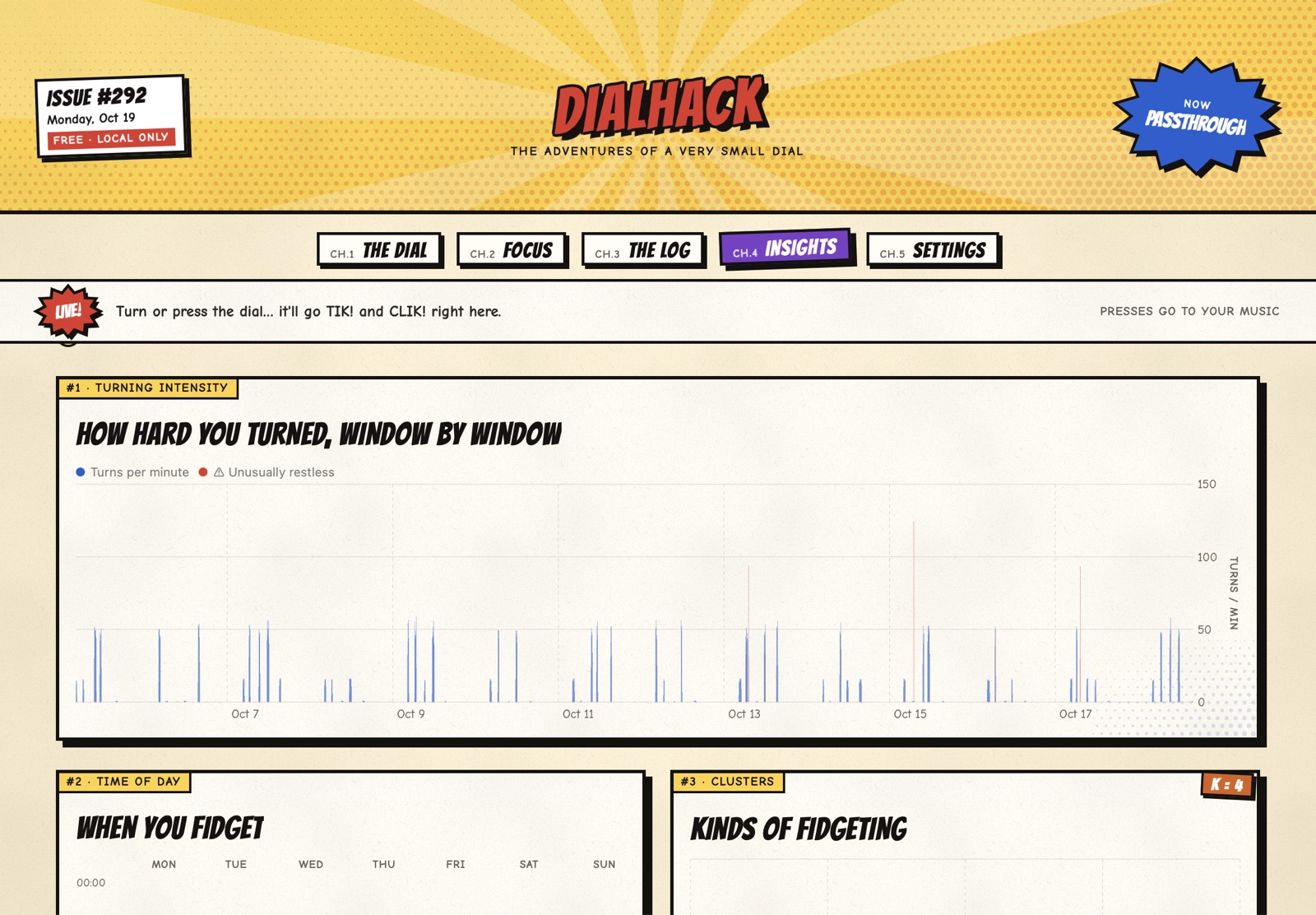
Screenshots use demo data.
Part 1
Measure first: what the dial really sends
A guided macOS sniffer tried every capture path in parallel and recorded which fired for each gesture. One click is exactly one 1/16 volume step (20 of 20 slow clicks), and changes never arrived closer than about 300 ms apart, so fast spins drop clicks instead of merging into bigger steps: six 7-click spins came through as 4, 3, 1, 5, 7, and 6 steps. Single and double presses arrived 5 of 5 as play/pause and next track. Long presses never reached the Mac, previous track was never received, and a press-and-hold retest delivered it in 0 of 10 tries.
Part 2
Designing around the limits
Rotation is captured from CoreAudio volume changes, deduplicated by value, with direction taken from the sign of the change. Presses come through MPRemoteCommandCenter. Because only two press gestures exist, switching modes uses "double press, then turn" within a picker window. It started at 500 ms; real use showed the first turn arriving 0.8 to 1.2 seconds after the double press, so the default became 1200 ms (adjustable 300 to 2500 ms).
Putting the volume back is a trade-off the sniffer exposed: restoring after every click during fast spins collapsed about 10 clicks into 1 or 2 steps. So it is a setting. "After every click" (the default) keeps the volume steady but very fast spins can lose clicks; "When the dial stops" waits until the dial is idle (1.5 s by default, or sooner near either end of the range), losing no clicks while the volume drifts audibly as you turn.
Part 3
The app
A menu-bar SwiftUI app with five dial modes: Scroll, Scrub (seek video, press to play/pause), Combo Lock, Macros (run a shortcut, open an app, or run a script), and Passthrough, where the dial goes back to being a volume knob. A Focus Timer lets you turn to set minutes, press to start, and double-press when you get distracted. The interface uses a comic-book look with a dark-mode "night paper" theme.
Part 4
Fidget analytics
A local Python pipeline ingests the event log into DuckDB and builds per-window features such as rotations per minute, reversal rate, bursts, and inter-event times. KMeans (k chosen by silhouette) groups kinds of fidgeting, IsolationForest flags unusually restless stretches, and a classifier trained on Focus Timer and dashboard labels is only shown as useful when it beats an always-guess-the-most-common-label baseline. Windows with two or fewer events are flagged as likely stray and left out of modeling by default.
Part 5
Known limits
While another app is playing media, presses go to that app instead of DialHack; rotation still works. Rotation tops out at about 3 steps per second. In Passthrough the dial cannot open the mode picker, because DialHack releases media controls so keyboard and dial presses reach your music again. The app is not notarized, and Intel Macs are not supported yet.